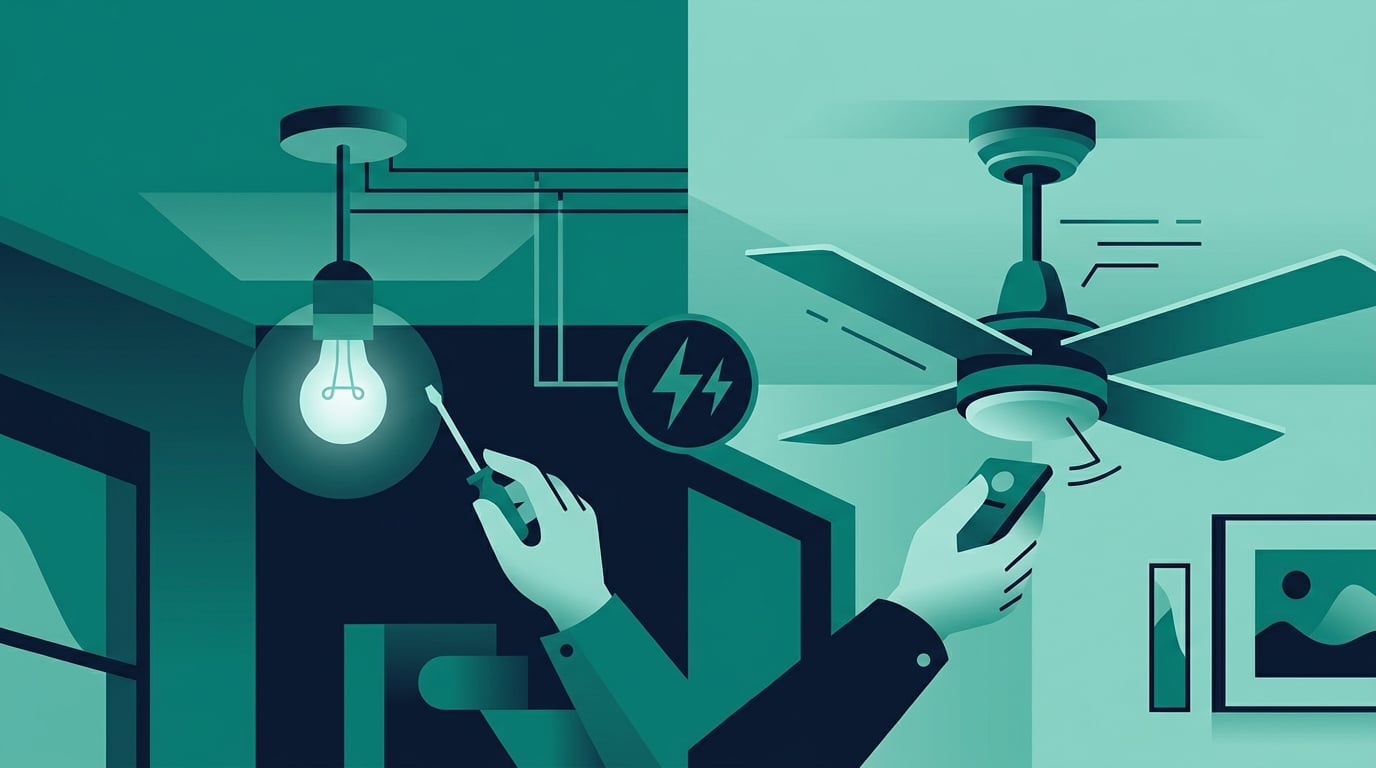
How to Replace a Light Fixture with a Ceiling Fan (Without Calling an Electrician)
That old light fixture in your living room or bedroom has been doing its job for years — but it's not doing much for your comfort on a hot summer afternoon. Replacing a light fixture with a ceiling fan is one of the most rewarding DIY upgrades you can make to a room. It improves air circulation, can cut your cooling costs by up to 40%, and adds a finished, intentional look to any space. Best of all, if your existing fixture is already wired, you can complete this project in a single afternoon — no electrician required.
This guide walks you through every step, from choosing the right fan size to making the final electrical connections safely. Whether you're a first-time DIYer or someone who's done a few projects around the house, you'll have everything you need to get this done right.
What You Need Before You Start
Before you buy a fan or touch a single wire, gather your tools and do a quick assessment of your existing setup. Here's what you'll need:
Flathead and Phillips screwdrivers
Wire stripper and needle-nose pliers
Non-contact voltage tester (essential for safety — around $15 at any hardware store)
Ladder tall enough to reach your ceiling comfortably
A ceiling fan-rated electrical box (if your current box isn't rated for fan weight)
Wire nuts and electrical tape
The most important pre-check: confirm your existing electrical box is rated to support a ceiling fan. Standard light fixture boxes are only rated for about 35 pounds of static weight — a ceiling fan can weigh 50 pounds or more and creates dynamic load as it spins. Look for a box labeled "Acceptable for Fan Support" or replace it with a fan-rated brace kit (about $15–$25) that installs from below without cutting drywall.
Choosing the Right Fan Size for Your Room
Fan sizing is where most people go wrong. A fan that's too small won't move enough air; one that's too large looks awkward and can feel overwhelming. The blade span (diameter) should match your room's square footage:
Up to 75 sq ft (small bathroom or office): 29–36 inch fan
76–144 sq ft (small bedroom): 36–42 inch fan
144–225 sq ft (medium bedroom or living room): 44–50 inch fan
225–400 sq ft (large living room or open plan): 52–60 inch fan
Over 400 sq ft: 60+ inch fan or multiple fans
If your room dimensions are in meters, use the Metric to Imperial Converter to quickly convert square meters to square feet so you can match the right fan size from the chart above. For example, a 15 m² room converts to about 161 sq ft — putting you squarely in the 44–50 inch range.
Also consider ceiling height. For ceilings under 8 feet, choose a flush-mount (hugger) fan. For ceilings 9 feet or higher, a downrod fan with a 6–12 inch rod is ideal. The fan blades should sit at least 7 feet above the floor for safe clearance.
Step-by-Step Installation
Once you have your fan and tools ready, follow these steps carefully:
Step 1 — Kill the power: Go to your breaker panel and turn off the circuit that powers the light fixture. Use your non-contact voltage tester at the fixture to confirm the power is off before touching any wires. Never skip this step.
Step 2 — Remove the old fixture: Unscrew the canopy or cover plate, then carefully lower the fixture. You'll see wires connected with wire nuts — unscrew them and separate the wires. Note which wire is black (hot), white (neutral), and bare copper or green (ground).
Step 3 — Check and upgrade the box if needed: Inspect the electrical box. If it's not fan-rated, install a fan-rated brace kit now. This is non-negotiable for safety.
Step 4 — Assemble the fan: Follow the manufacturer's instructions to attach the motor housing, blades, and blade brackets. Most modern fans use a quick-connect canopy system that makes ceiling attachment much easier.
Step 5 — Hang the motor: Hook the fan's mounting bracket onto the ceiling box, then hang the motor from the bracket hook (most fans have a "hang and wire" design so you're not holding the full weight while connecting wires).
Step 6 — Connect the wires: Match black to black, white to white, and ground to ground. Twist wire nuts clockwise until snug, then give each connection a gentle tug to confirm it's secure. Wrap with electrical tape for extra safety.
Step 7 — Attach the canopy and blades: Tuck the wires into the canopy, secure it to the mounting bracket, then attach the blade brackets and blades per the instructions.
Step 8 — Restore power and test: Turn the breaker back on and test all fan speeds and the light kit if included. Check that the fan runs smoothly without wobbling.
Understanding the Wiring (Simply)
Most standard light fixture circuits have just two wires plus a ground — which is exactly what a basic ceiling fan needs. If you want to control the fan and light separately with two wall switches, you'll need a circuit with two hot wires (black and blue), which requires running a new wire or using a wireless remote kit. For most homeowners, a single-switch setup with a pull chain for the light is the simplest and most practical solution.
If your home was built before 1980, you may encounter aluminum wiring (silver-colored) instead of copper. In that case, consult a licensed electrician — aluminum wiring requires special connectors and handling.
Common Mistakes to Avoid
Skipping the voltage tester: Always verify power is off before touching wires. A $15 tester can prevent a serious injury.
Using a non-fan-rated box: This is the most common cause of ceiling fan failures and accidents. If in doubt, replace the box.
Ignoring blade balance: If your fan wobbles after installation, use the balancing kit that comes with most fans (small adhesive weights) to correct it. An unbalanced fan wears out the motor faster.
Wrong downrod length: Measure your ceiling height before ordering. Use the Unit Converter if you're working with mixed measurements — for instance, converting ceiling height from feet and inches to centimeters to match a fan's metric downrod specifications.
Overtightening screws: Ceiling fan housings are often plastic or lightweight metal. Overtightening can crack the housing or strip threads. Snug is enough.
What This Project Will Cost (And Save You)
A quality ceiling fan runs $60–$250 depending on size and features. A fan-rated brace kit adds $15–$25 if needed. Total project cost: roughly $75–$275 in materials, plus a few hours of your time. Compare that to the $150–$300 an electrician typically charges just for labor on this type of job.
On the savings side, ceiling fans use about 15–75 watts — far less than running an air conditioner. If you can raise your thermostat by just 4°F while using a ceiling fan and still feel comfortable, you'll save roughly 10–15% on your cooling bill each month. Use the Percentage Calculator to estimate your actual monthly savings based on your current electricity bill — it's a quick way to see how fast this project pays for itself.
For a $150 electricity bill in summer, a 12% savings equals $18/month. If your fan cost $150 to install, it pays for itself in under 9 months — and keeps saving money every summer after that.
Final Thoughts
Replacing a light fixture with a ceiling fan is one of those projects that feels intimidating until you actually do it — and then you wonder why you waited so long. With the right fan size, a fan-rated electrical box, and careful attention to the wiring, this is a completely manageable afternoon project for most homeowners. You'll improve your comfort, reduce your energy bills, and gain the satisfaction of knowing you did it yourself.
Take your time, double-check your measurements, and always verify the power is off before you start. Your future self — sitting comfortably under a gently spinning fan — will thank you.
Before you act on this
This article is for general educational purposes only. Everyone’s situation is different, so before making any decisions please refer to a licensed contractor and check your local building codes and permit requirements who can advise you based on your specific circumstances.